How to Increase Phone Battery Life
In today’s digital era, smartphones have become an essential part of our daily lives. From communication and entertainment to work and productivity, we rely heavily on our mobile devices. However, one of the most common problems users face is fast battery drain.
If your phone battery runs out quickly, it can disrupt your daily routine and reduce productivity. Understanding effective battery saving tips and adopting the right settings can significantly improve your device’s performance.
In this complete guide, you will learn how to increase phone battery life, the main causes of battery drain, and expert strategies to extend your battery performance by up to 50%.
Why Does Phone Battery Drain So Fast?
Before improving battery life, it’s important to understand the reasons behind fast battery drain. Identifying these issues helps you fix them effectively.
- High screen brightness usage
- Too many apps running in the background
- WiFi, Bluetooth, and GPS always turned ON
- Phone overheating issues
- Poor charging habits
- High refresh rate display (120Hz/144Hz)
- Continuous notifications and syncing
By controlling these factors, you can easily improve your phone battery life and reduce unnecessary power consumption.
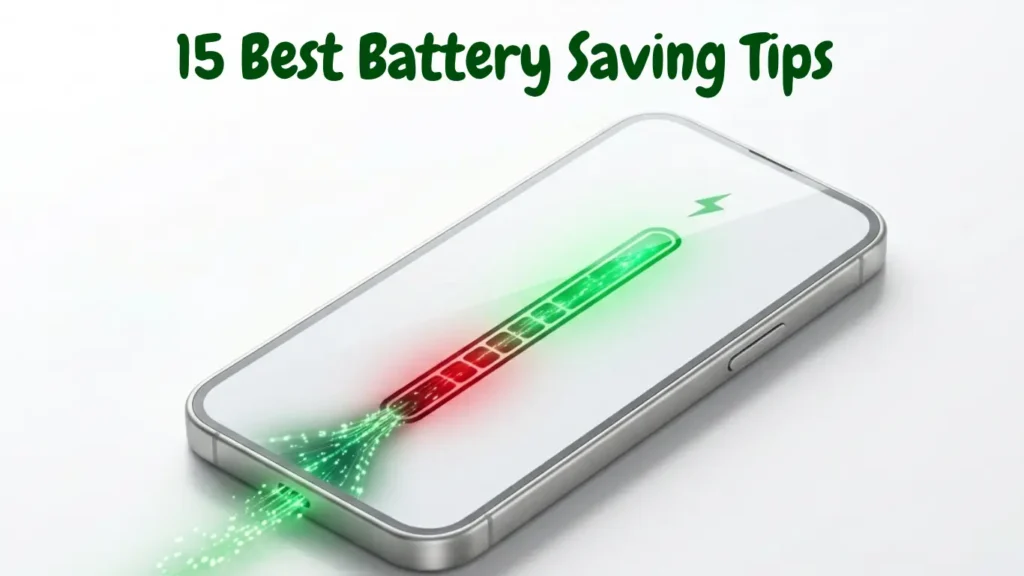
Top 15 Best Battery Saving Tips
1. Reduce Screen Brightness
The display is the biggest battery consumer in any smartphone. Keeping brightness too high drains battery quickly.
Pro Tip: Keep brightness between 30%–50% or use auto-brightness mode.
2. Enable Dark Mode
If your phone has an AMOLED or OLED display, enabling dark mode can significantly reduce battery consumption.
3. Close Background Apps
Many apps continue running in the background and consume battery even when not in use.
- Close unused apps regularly
- Restrict background activity
4. Turn Off Unused Connectivity Features
WiFi, Bluetooth, and GPS consume battery even when idle.
5. Use Battery Saver Mode
Most smartphones come with a built-in battery saver mode that limits background processes and improves battery life.
Recommended Battery Settings (Expert Table)
| Setting | Recommended Value | Impact |
|---|---|---|
| Brightness | 30%–50% | Reduces display battery usage |
| Charging Range | 20%–80% | Improves battery health |
| Screen Timeout | 15–30 seconds | Saves idle battery |
| Battery Mode | Battery Saver ON | Extends battery life |
6. Follow Proper Charging Habits
Battery health directly depends on how you charge your phone. गलत charging से battery जल्दी खराब होती है।
- Always keep battery between 20%–80%
- Avoid full 0% discharge
- Do not keep charging after 100%
7. Avoid Overnight Charging
Charging your phone overnight can slowly degrade battery health due to continuous trickle charging.
Warning: Long-term overnight charging reduces battery lifespan.
8. Use Original Charger Only
Using duplicate or low-quality chargers can damage your battery and reduce efficiency.
9. Prevent Phone Overheating
Heat is one of the biggest enemies of smartphone batteries.
- Avoid using phone while charging
- Do not expose phone to direct sunlight
- Remove heavy case during gaming
10. Reduce Vibration Usage
Vibration consumes more battery than ringtone. Use it only when necessary.
11. Turn Off Auto Sync
Auto-sync constantly refreshes data, which drains battery.
12. Avoid Live Wallpapers
Live wallpapers consume more power than static wallpapers.
13. Reduce Screen Timeout
Shorter screen timeout helps save battery when phone is idle.
14. Update Apps on WiFi
Updating apps over mobile data consumes more battery compared to WiFi.
15. Limit Heavy Gaming
High-performance games drain battery very fast due to GPU and CPU usage.
Common Mistakes That Damage Battery
Many users unknowingly follow habits that reduce battery life permanently.
- Draining battery to 0% frequently
- Keeping phone always at 100%
- Using phone during overheating
- Using fake or low-quality chargers
- Playing heavy games while charging
How to Check Battery Health
Android
Settings → Battery → Battery Usage
iPhone
Settings → Battery → Battery Health
Advanced Battery Saving Tips (Pro Level)
अगर आप maximum battery performance चाहते हैं, तो ये advanced settings जरूर apply करें:
- Reduce refresh rate from 120Hz to 60Hz
- Use 4G instead of 5G when not required
- Limit background processes in developer options
- Disable unnecessary notifications
- Turn off location access for unused apps
Expert Summary: How to Maximize Battery Life
If you follow all the battery-saving strategies mentioned above, you can easily improve your smartphone battery performance by 30% to 50%. The key is consistency and smart usage.
- Control brightness and display settings
- Use battery saver mode regularly
- Maintain proper charging habits (20%–80%)
- Avoid overheating and heavy usage while charging
- Limit background apps and connectivity features
Remember, small daily habits can make a big difference in maintaining long-term battery health.
Frequently Asked Questions (FAQs)
Does dark mode really save battery?
Yes, especially on AMOLED displays, dark mode can reduce power consumption significantly.
Is fast charging harmful?
Occasional fast charging is safe, but frequent use may generate heat and affect battery lifespan over time.
Should I charge my phone to 100%?
It is better to keep your battery between 20% and 80% for long-term health.
Why does my phone battery drain overnight?
Background apps, notifications, and network activity can cause battery drain even when idle.
Pro Tips for Long-Term Battery Health
- Keep your phone software updated
- Avoid extreme temperatures (too hot or too cold)
- Use official accessories only
- Restart your phone once a week
- Uninstall unused apps regularly
Internal Linking Strategy (SEO Boost)
To improve SEO ranking, you can add internal links like:
External Resources
Final Conclusion
Improving your smartphone battery life is not difficult if you follow the right approach. By applying these battery saving tips, optimizing settings, and maintaining proper charging habits, you can significantly enhance your device performance.
Always remember that battery health is a long-term investment. The better you care for it today, the longer your phone will serve you efficiently.
Start applying these tips today and experience a noticeable improvement in your phone’s battery life!